Module 3 Formstorming

Weekly Activity Template

Jane Hou


Project 3


Module 3

Activity 1

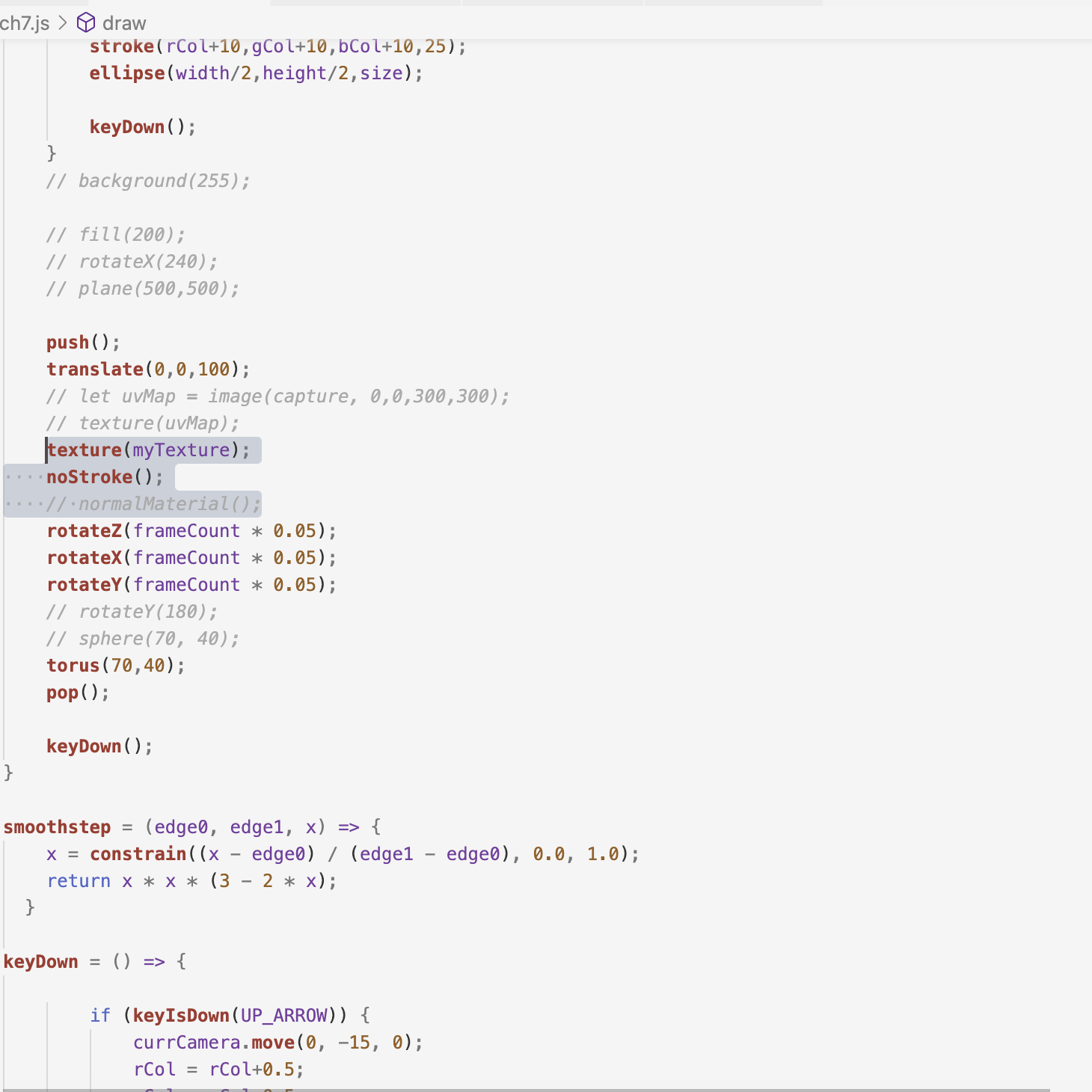
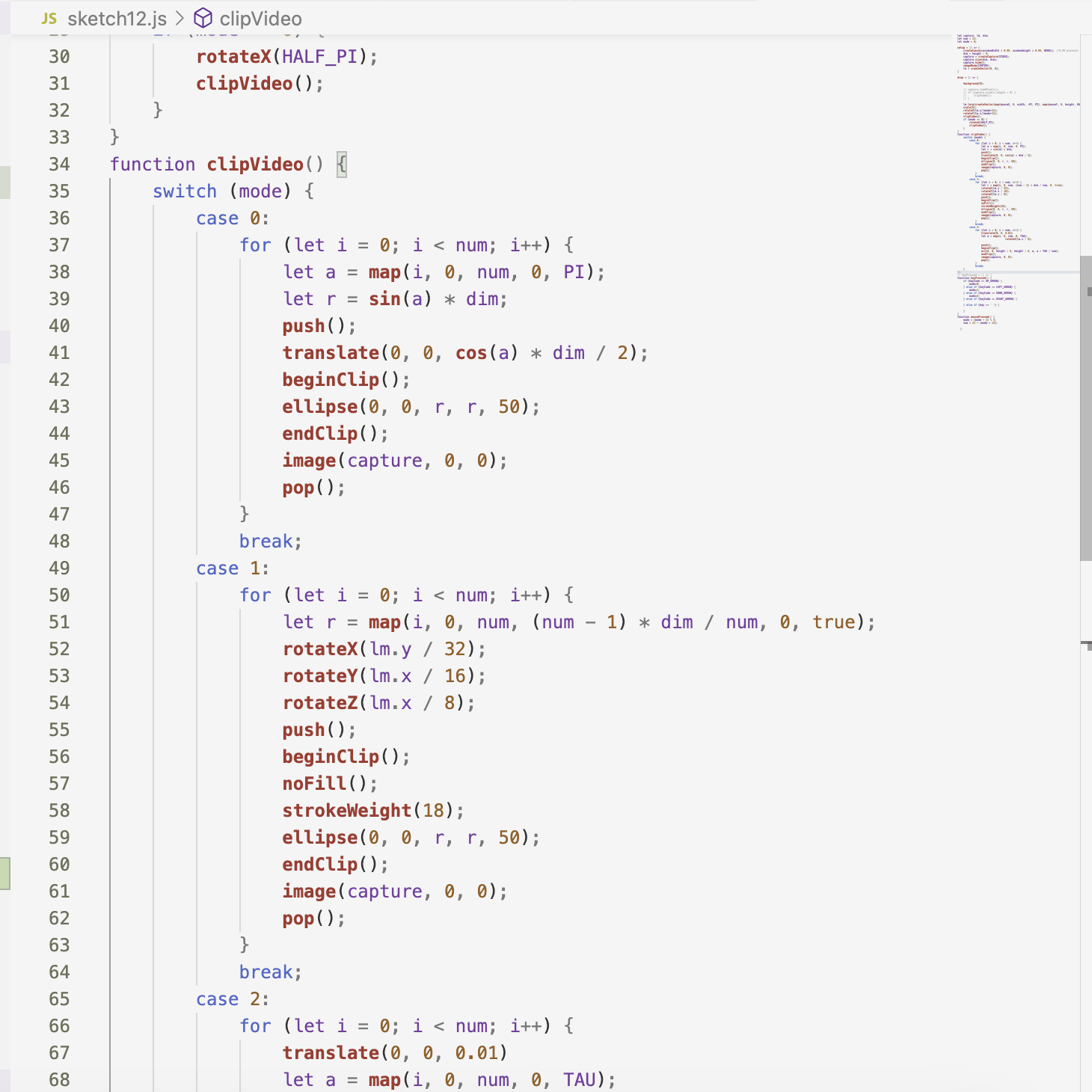
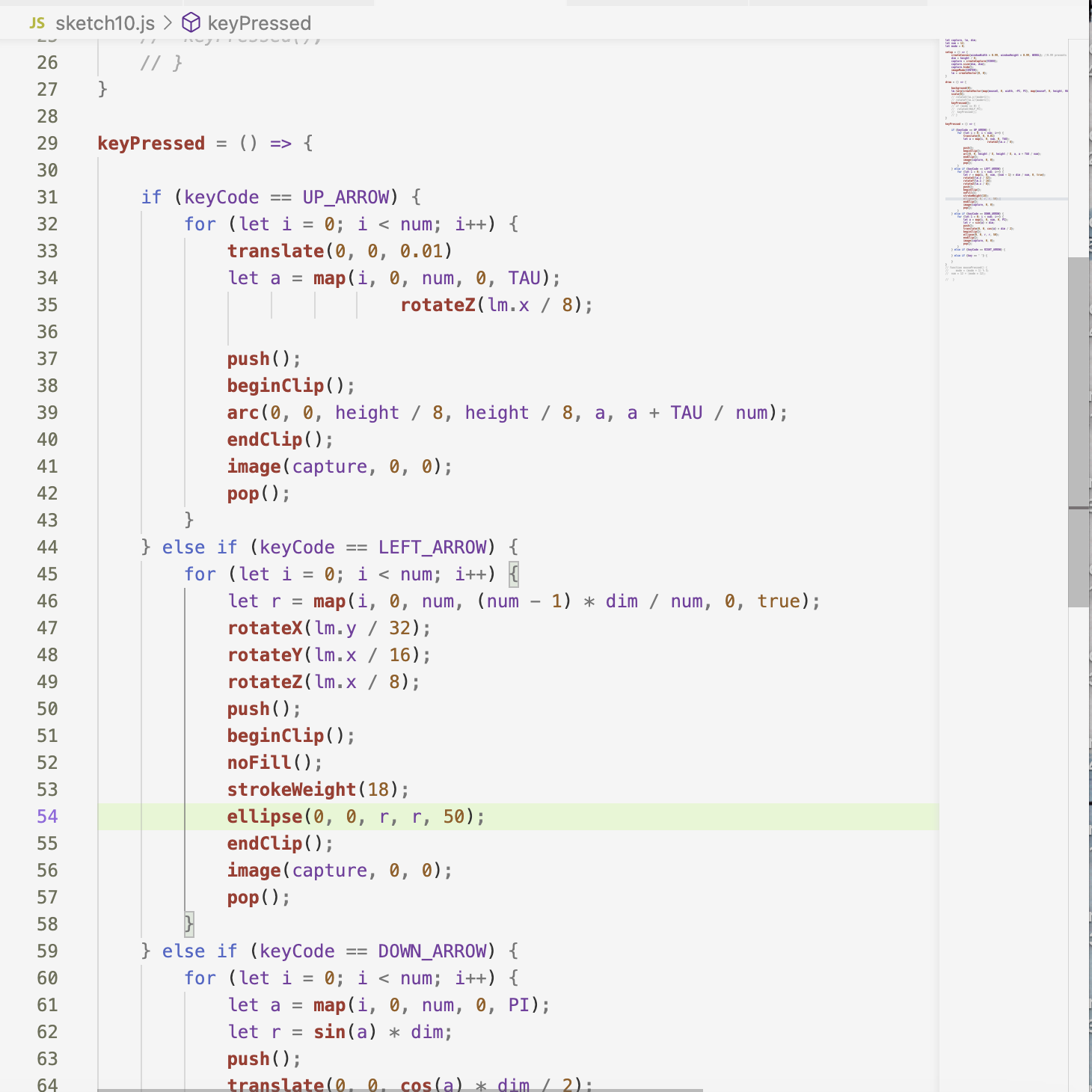
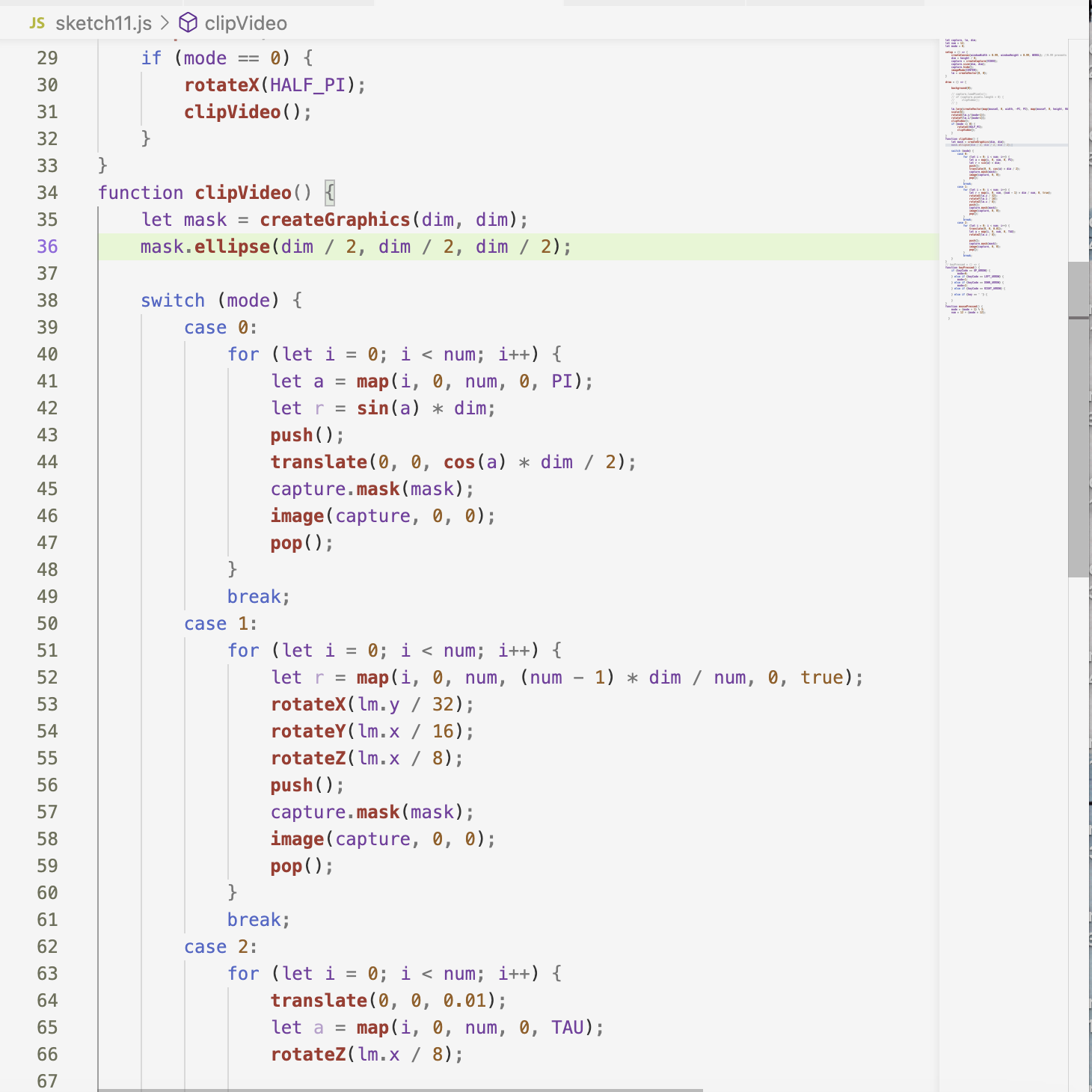
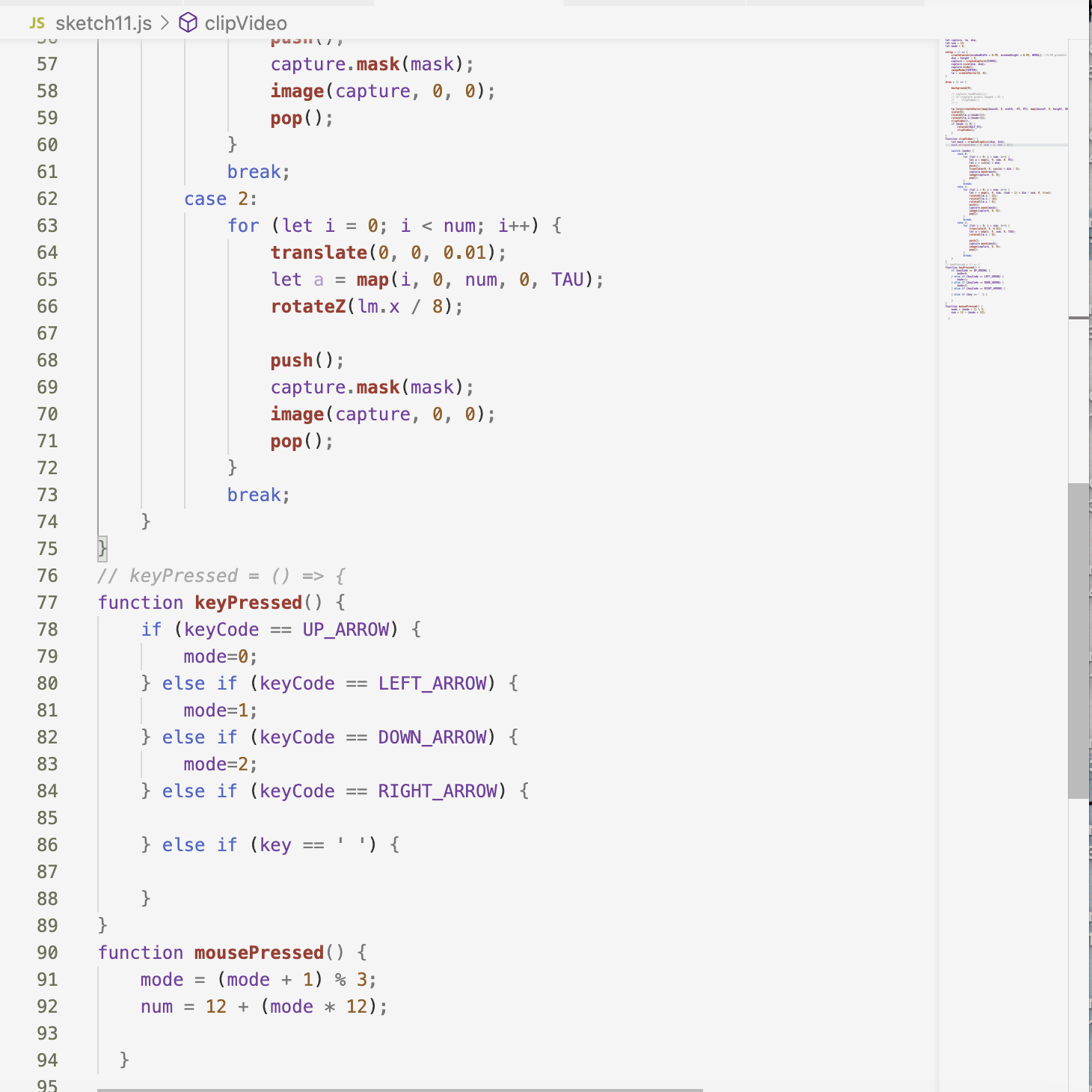
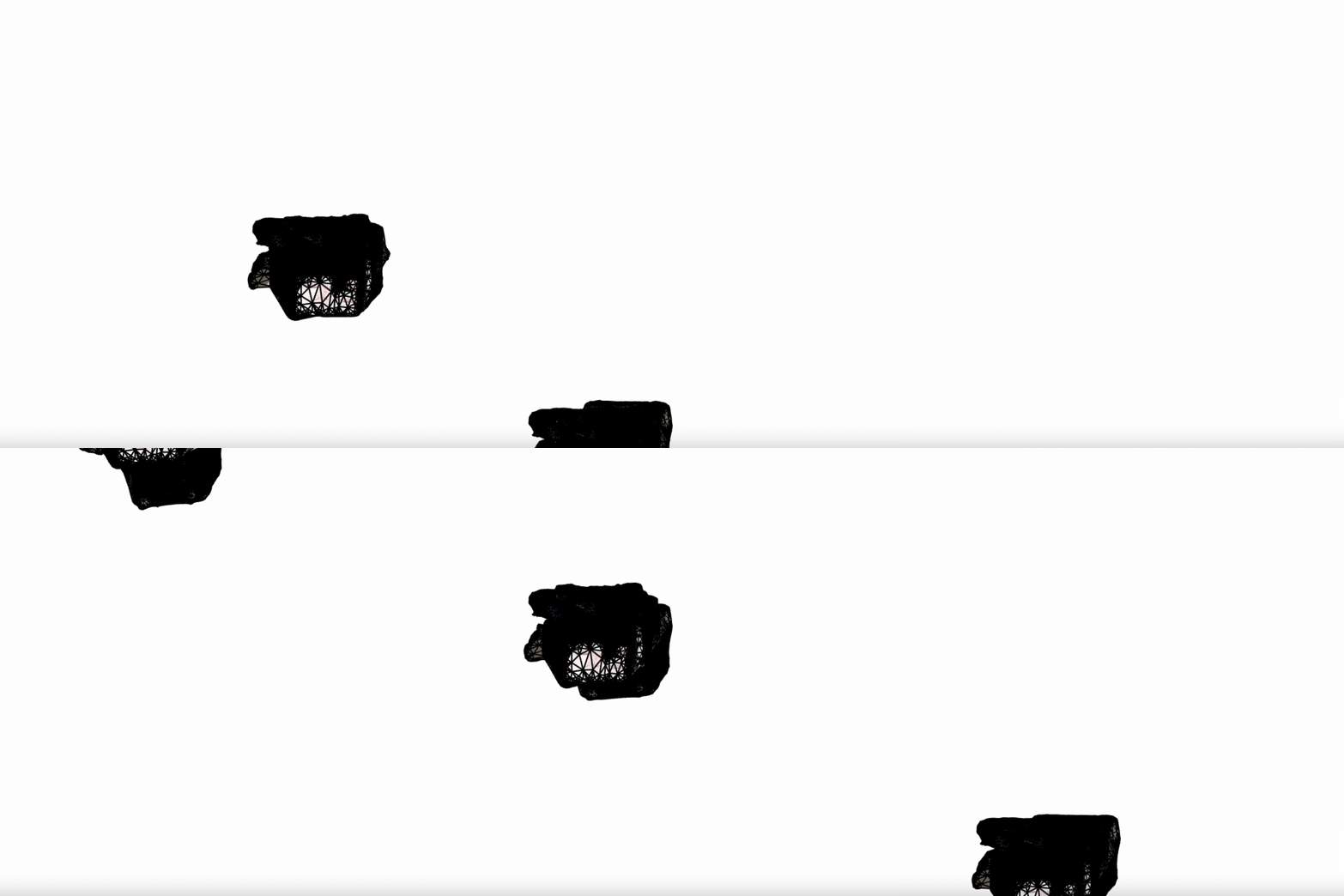
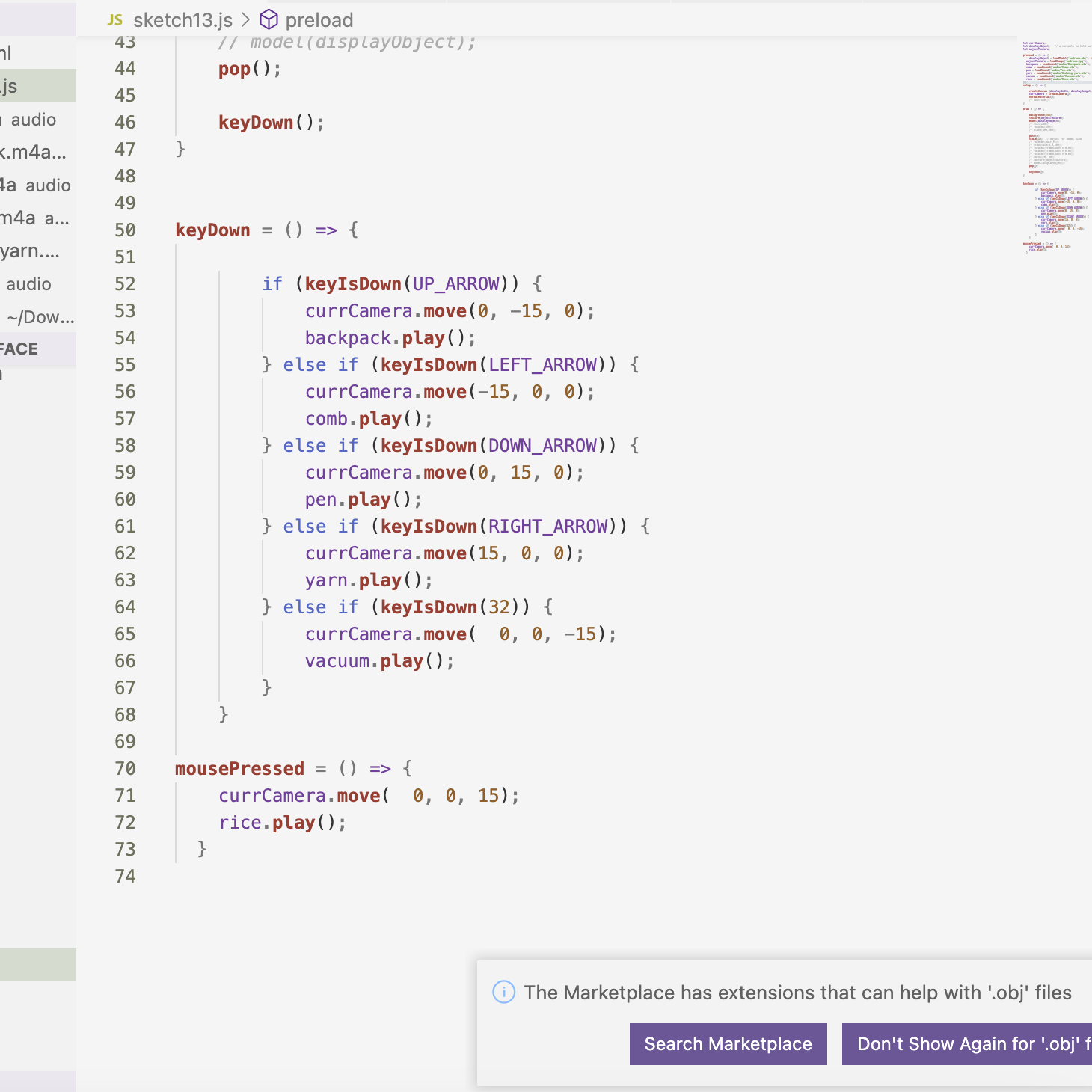
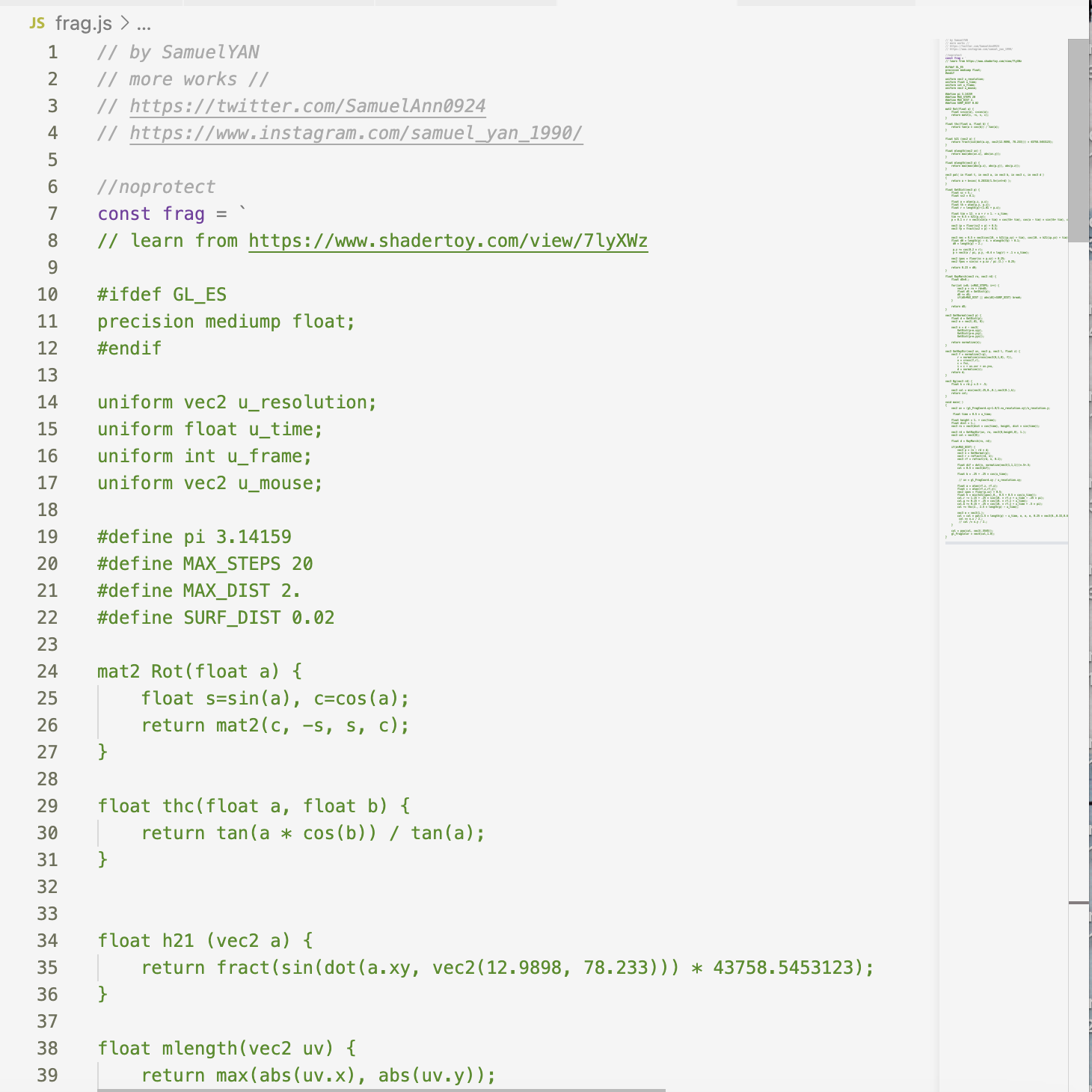
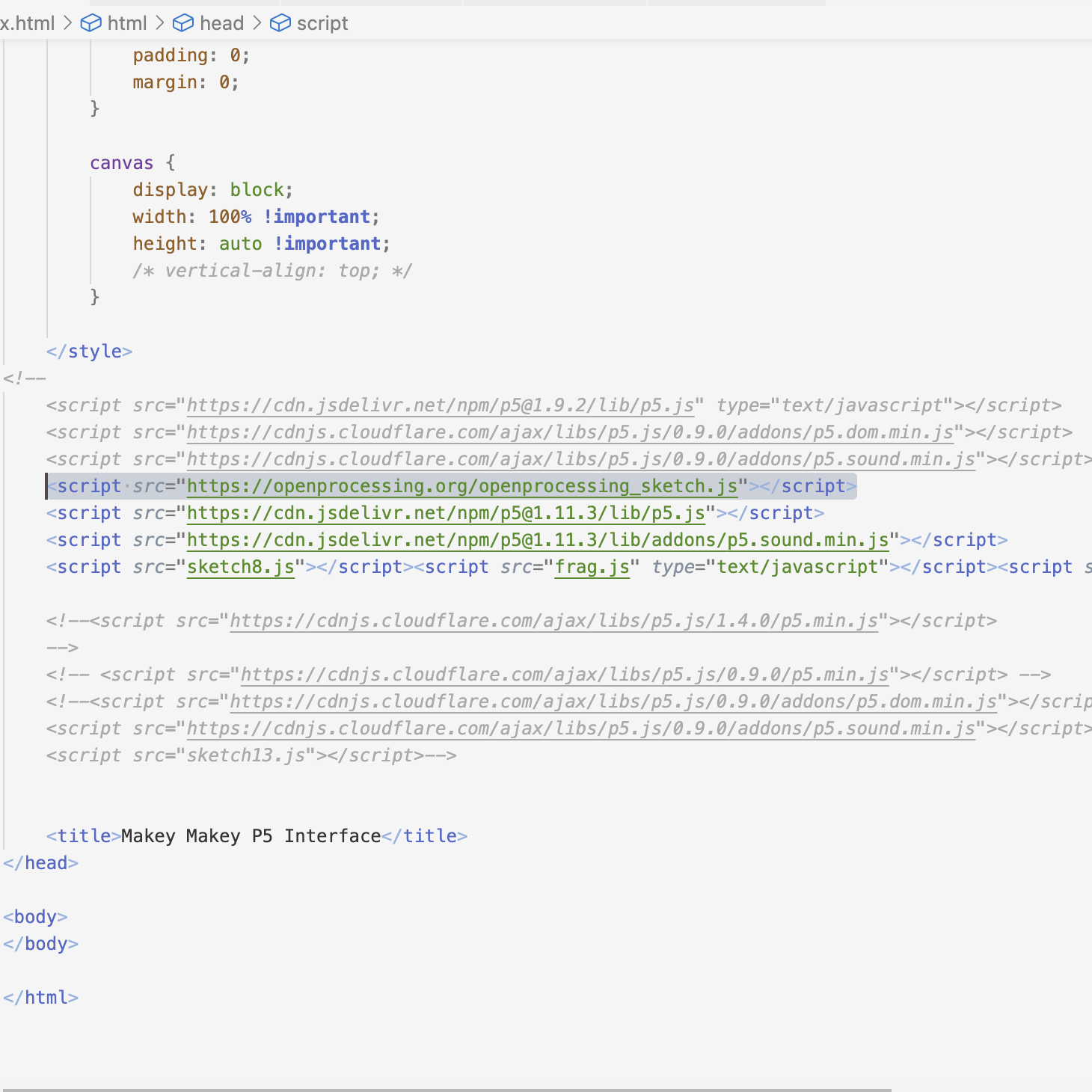
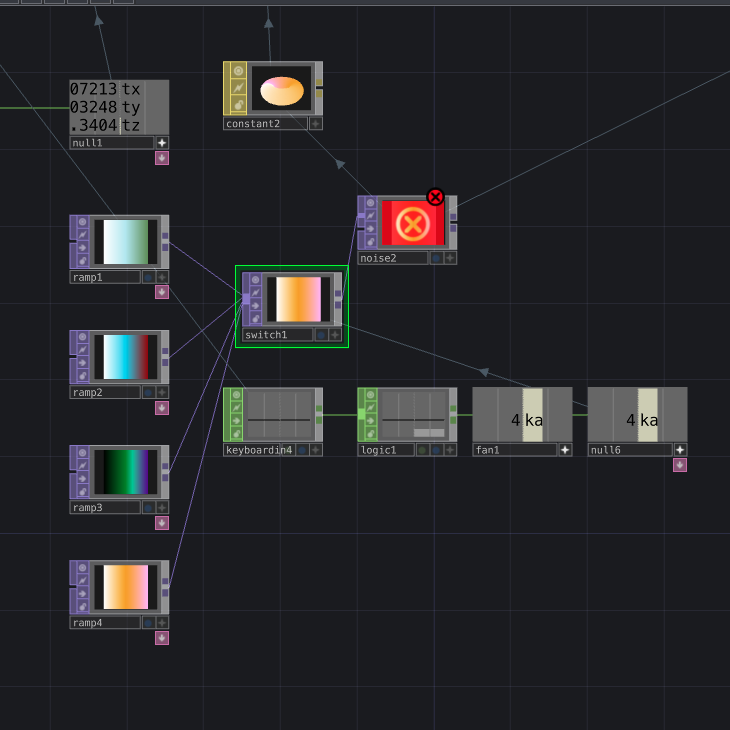
I added letters that indicate the note that is being played by the key presses. Since the colour of the background is quite vibrant, it makes it hard to see the text. The text is more visible on a white background as I mixed the code of the 3D model example with the code sample with the oscillating circle. I tried to put my own shape in and apply an image texture to it. I removed the torus that was there by default as I wanted to try the putting the webcam footage on the 3D shape. The image UV map in the 3D model was spinning around, so I knew that I wanted to change it to static when I put the webcam feedback on it. At first, I inputted the webcam footage in wrong, which caused the image to follow the sphere instead of projecting onto it. I looked online for reference, and using a variable set to the webcam captured image as the texture worked along with remoivng the stroke on the model. I found that the oscillating circle followed the sphere around, so if I were to continue with this design in the next stage of the project, I would want it to stay static in one spot. I wanted to try using perlin noise, but found that although I referenced code that created an animated effect, it stayed static. The colour change of the square was also very delayed, and after putting it into ChatGPT, found that the fact that the noise is a lot to load up at once. I found a project online that used switch statements to toggle between different states by a mouse click. I thought I could put the code for each case directly into the keyPressed(), but it did not work. I also found that beginClip() and endClip() are not valid for some reason, so I tried to remove it from the function. To make it react to key presses, I used the keyPressed() to choose the case in the clipVideo(). Without the code in the beginClip() and endClip(), the webcam is not cropped into a circle like the original example, but is working as expected. I used the 3D model code as a starting point and imported my 3D model from the last project of last semester. I removed the stroke and added the UV map. I imported some sounds that from the activity 1 of the last project, specifcally choosing ones that I recorded in my room. Upon tesitng it, I realised that the audio is distorted. I found open source code and tried importing it and running it in VS Code. This code required several 3 js files, 2 of which were in a different notation that I was not familiar with. I had to import more links in the script section of the HTML to make this code work. I added a keyPressed() to play a note when the arrow keys are pressed. Since there were 3 js files, 2 of which I did know how to edit, it was hard for me to edit the look of the visuals to react to the key presses. I used a Touch Designer project from last school year and tried to edit it to figure out if I could get it to take keyboard input from the user. I made 4 different colour ramps and followed a video to figure out how to toggle between them based on the key pressed. I found that it only recognized key presses of number and letters, so I used the letter options on the back of MakeyMakey instead of the arrow keys. I chose the keys that Touch Designer should detect and used the Fan In node to convert the output to one, which was used as the index for the switch which decides which of the options to use in the displayed render. I realised that the ramp that I used as the variable was not a major player in effecting the end result of the design, so I tried to implement the same switch to another node. The key press changes the colour and style of the design outputed.

Activity 2
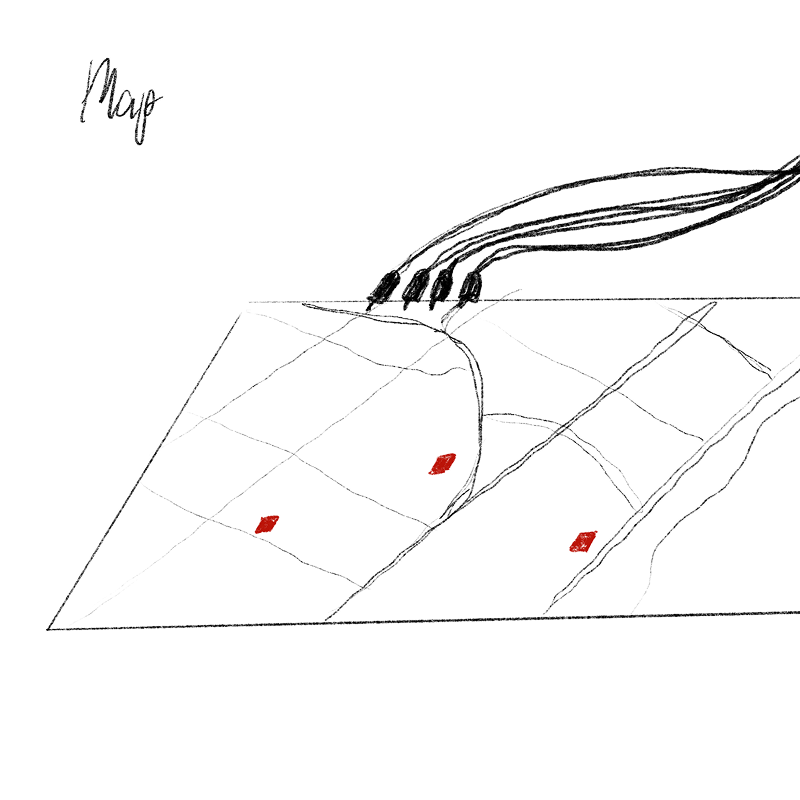
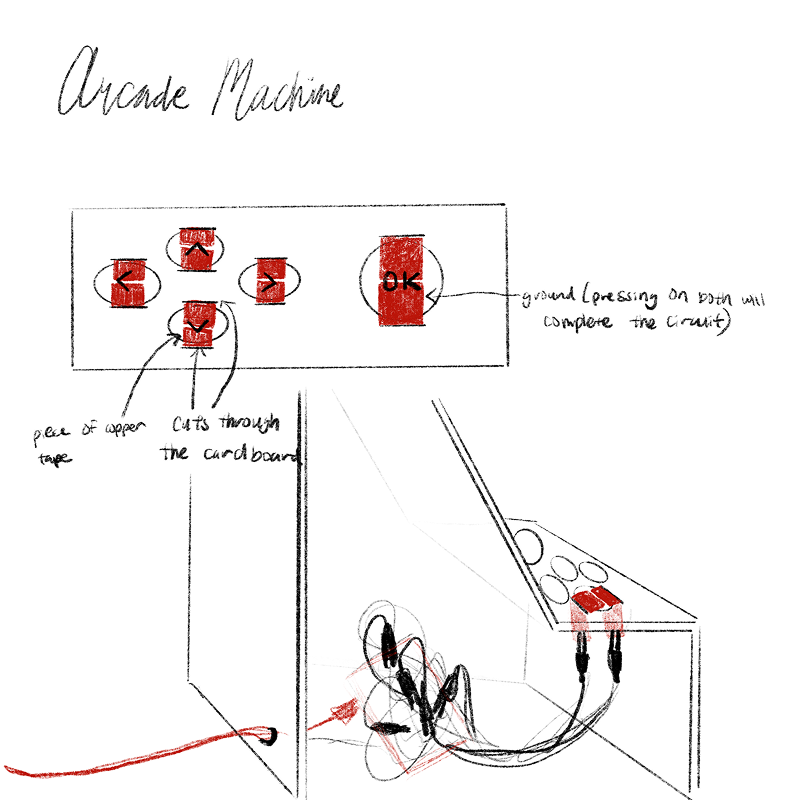
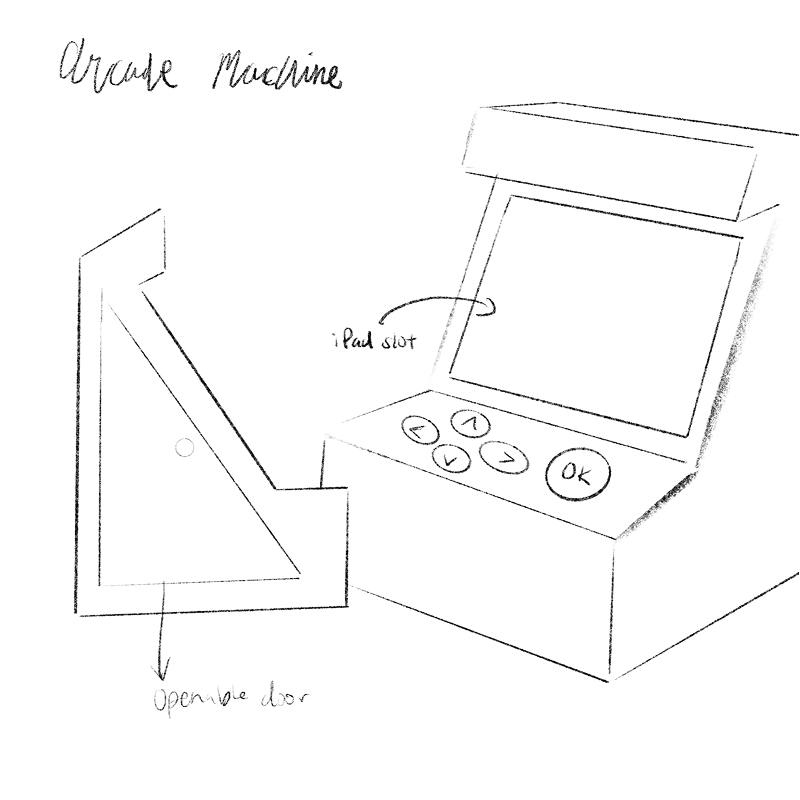
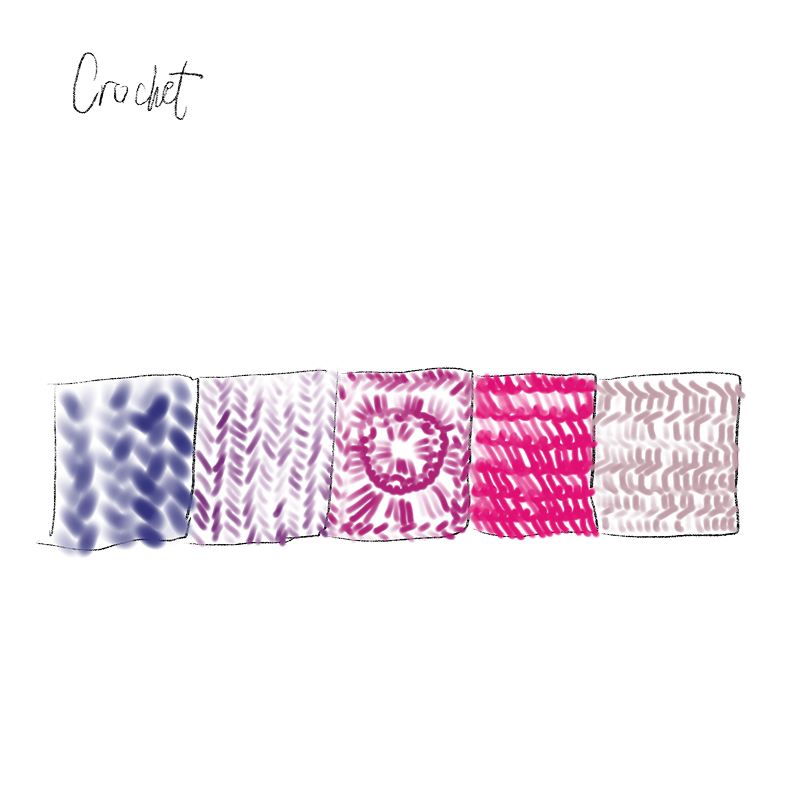
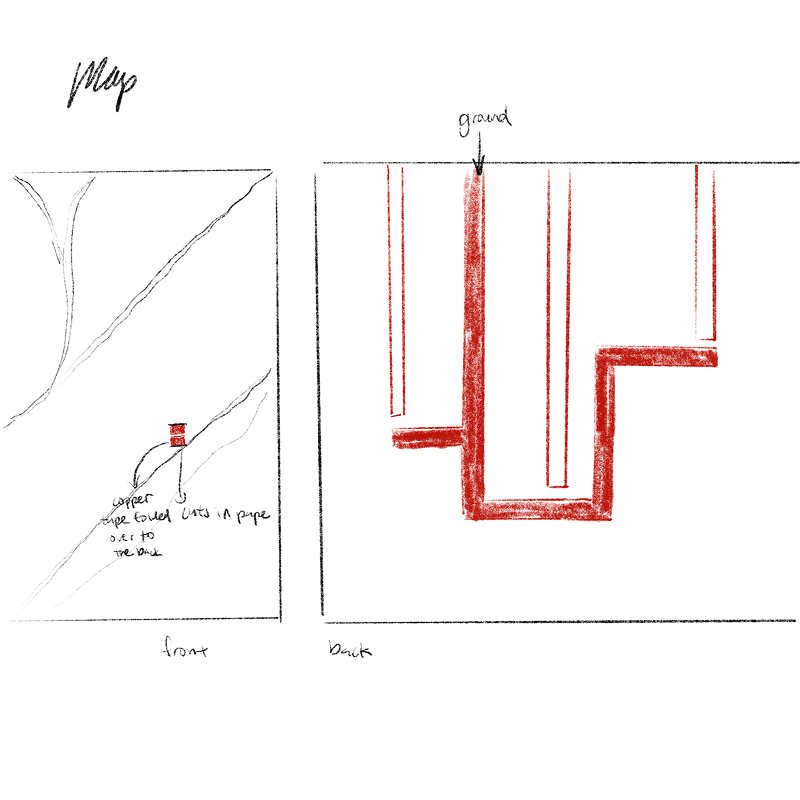
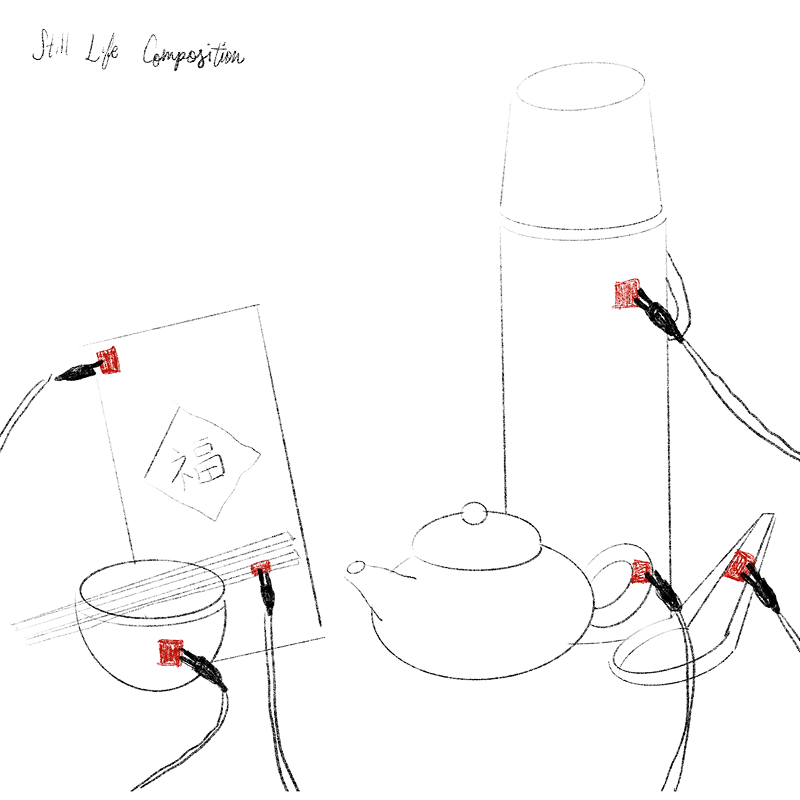
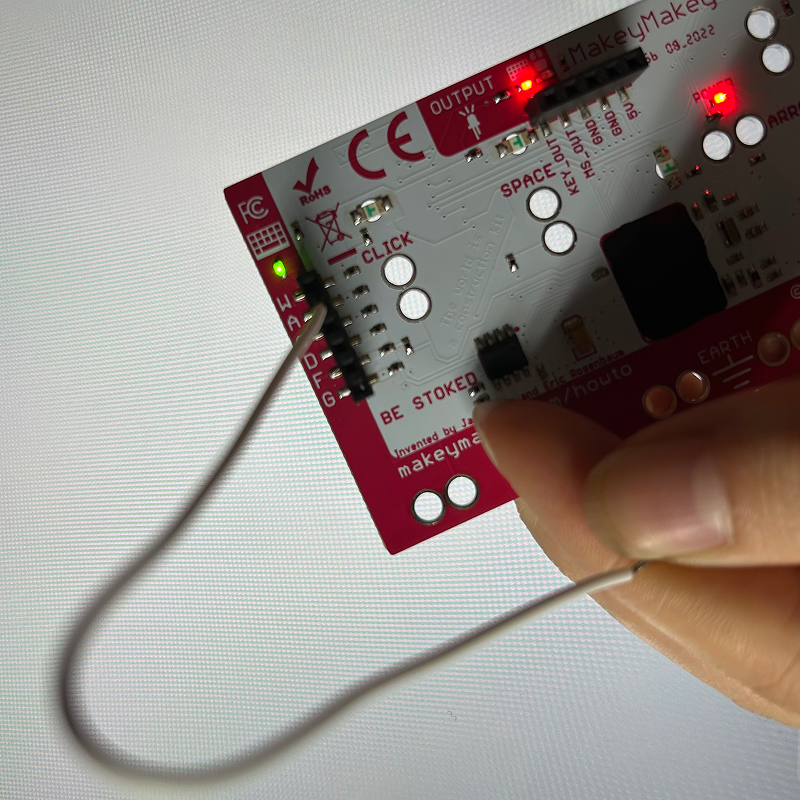
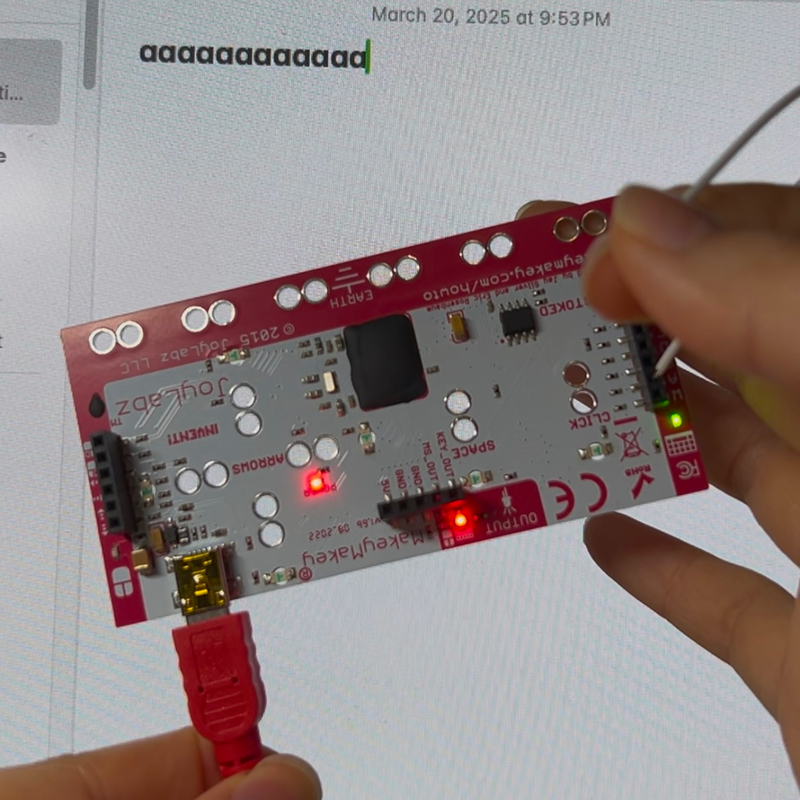
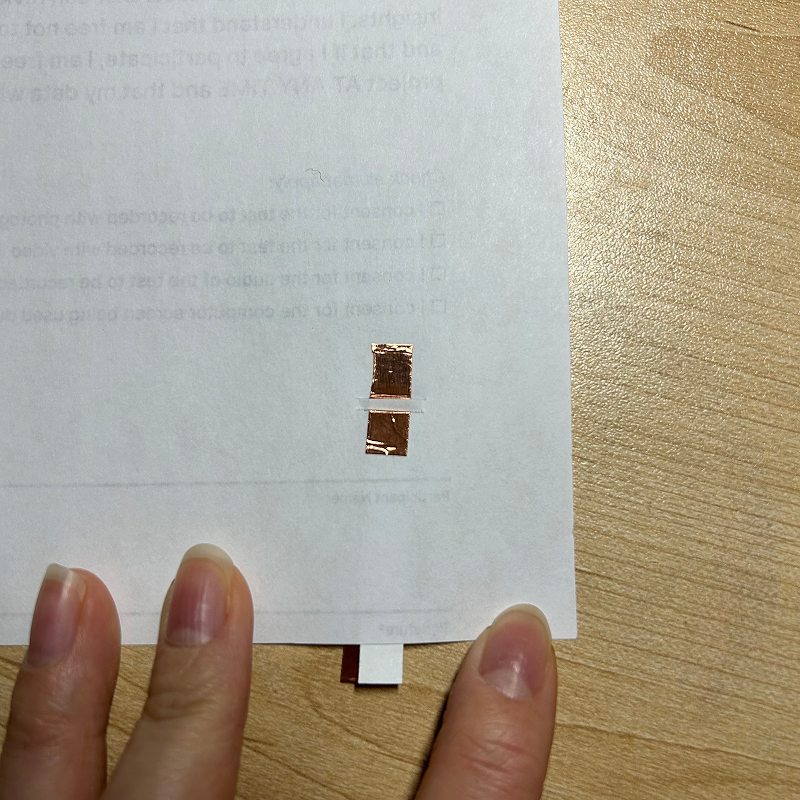
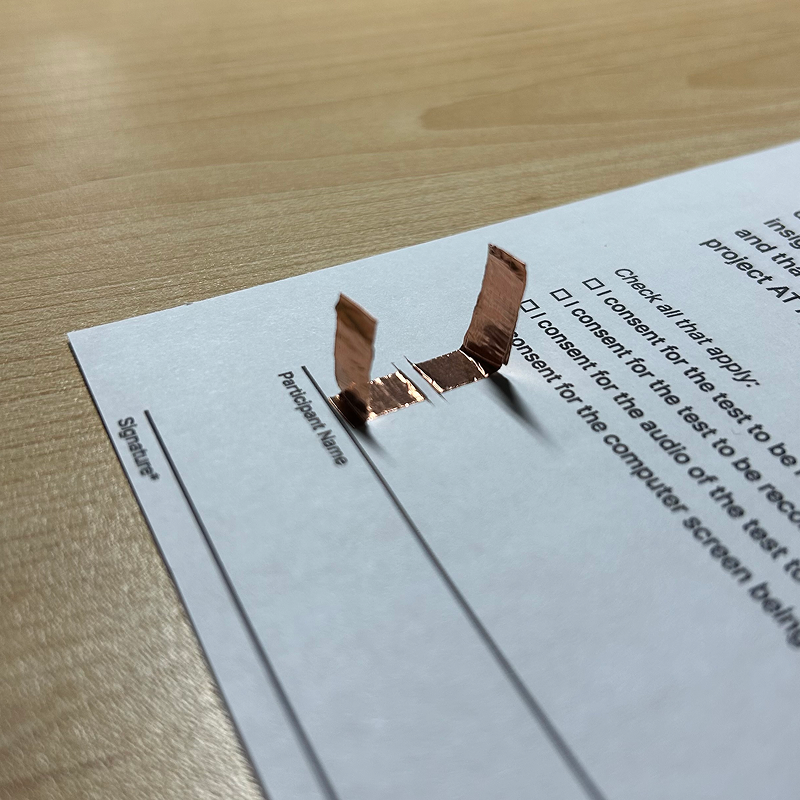
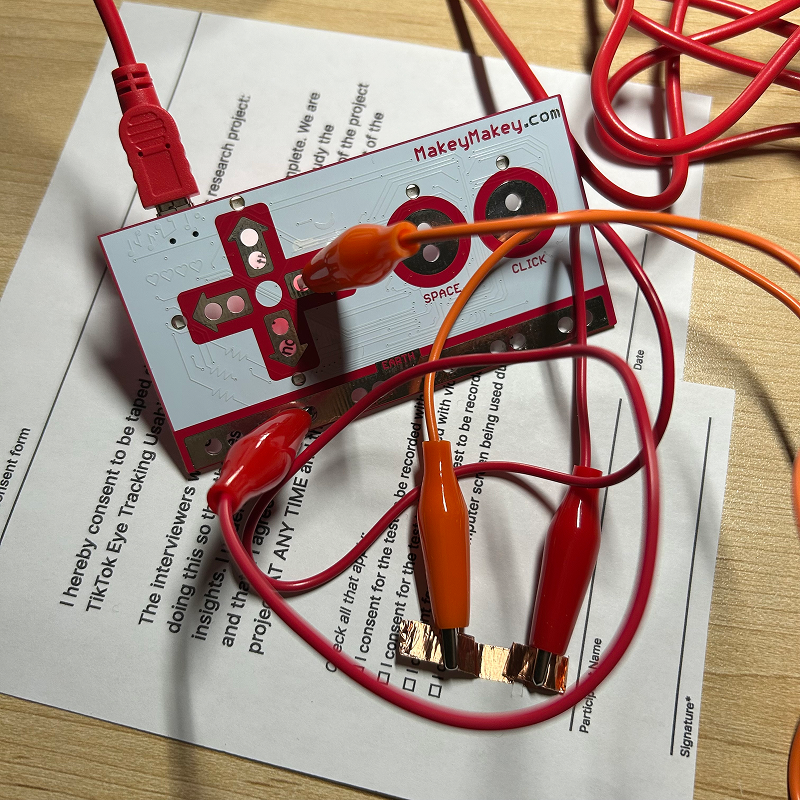
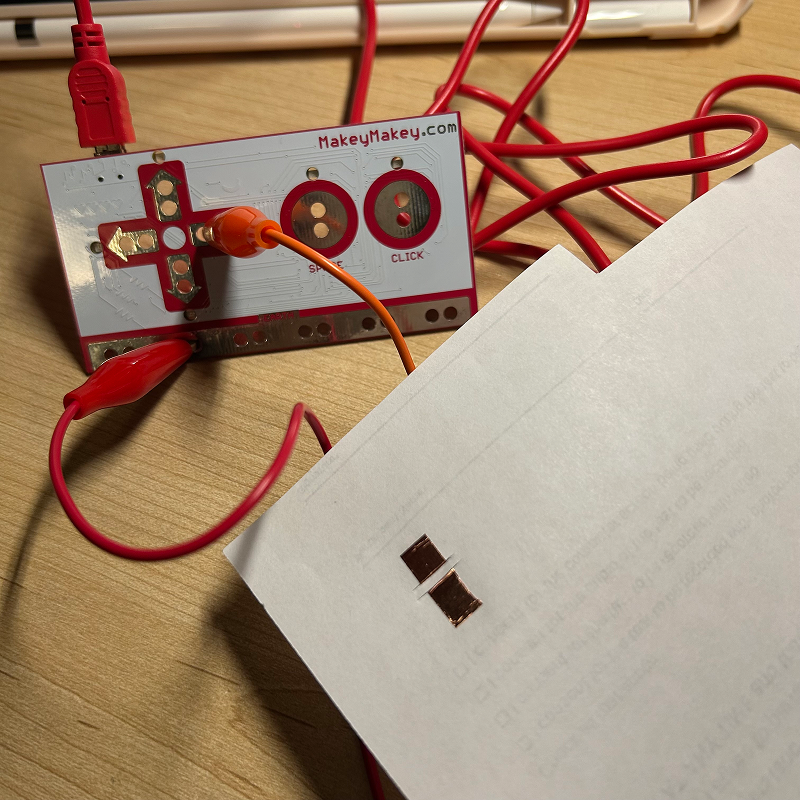
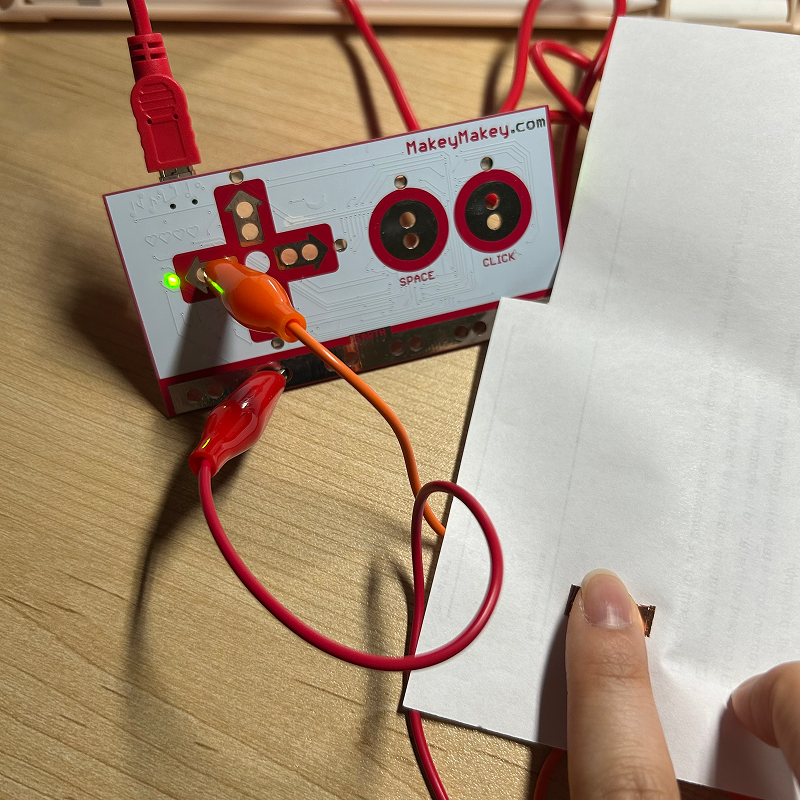
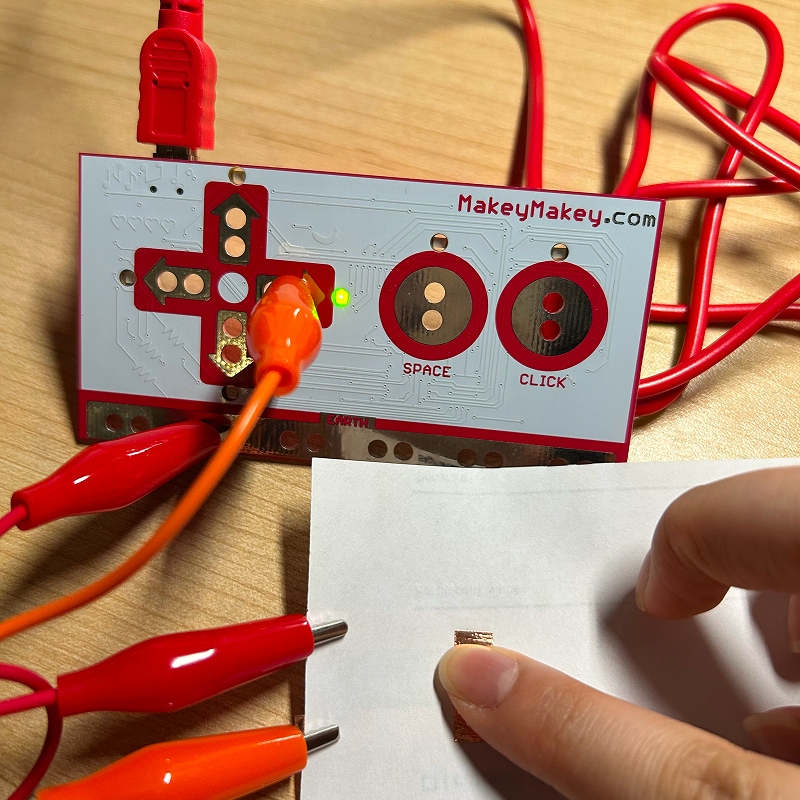
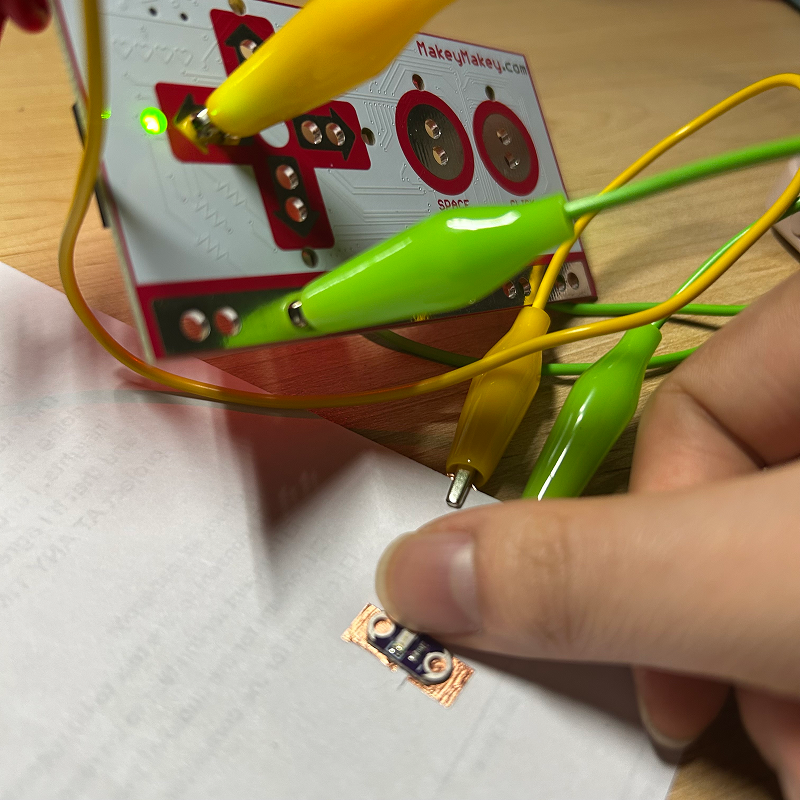
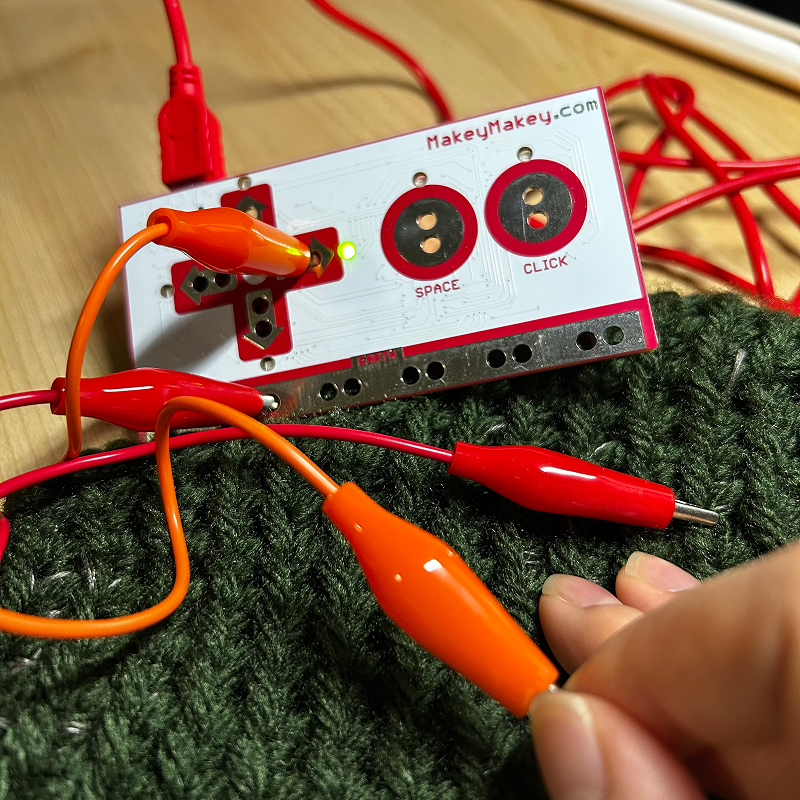
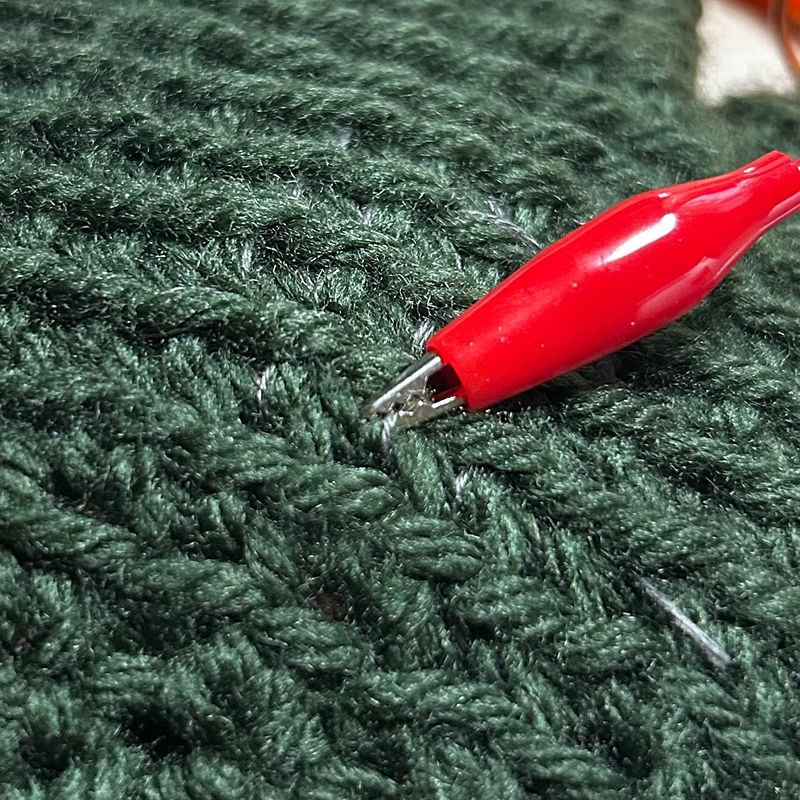
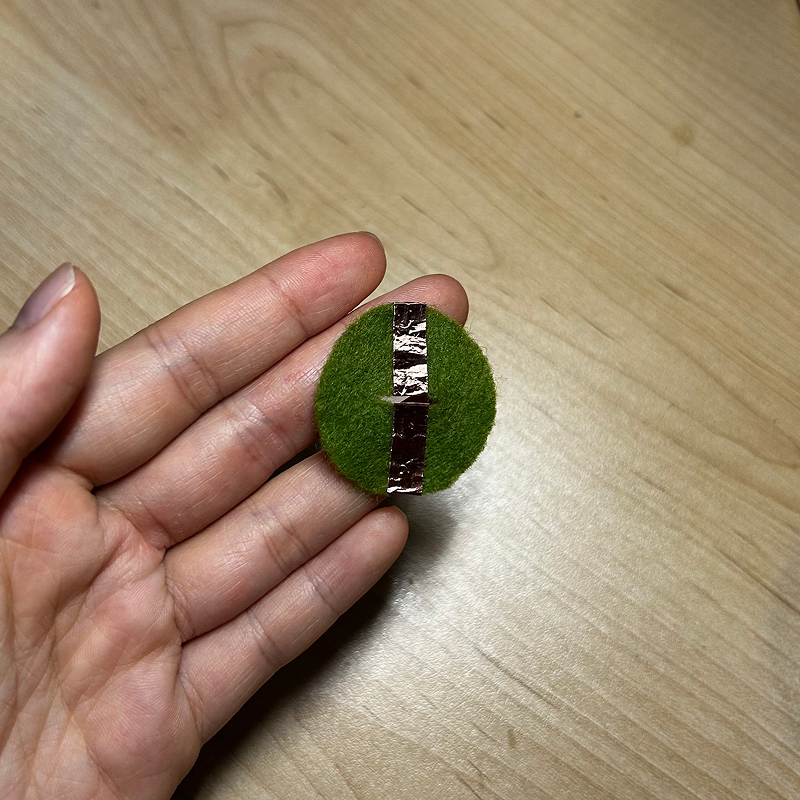
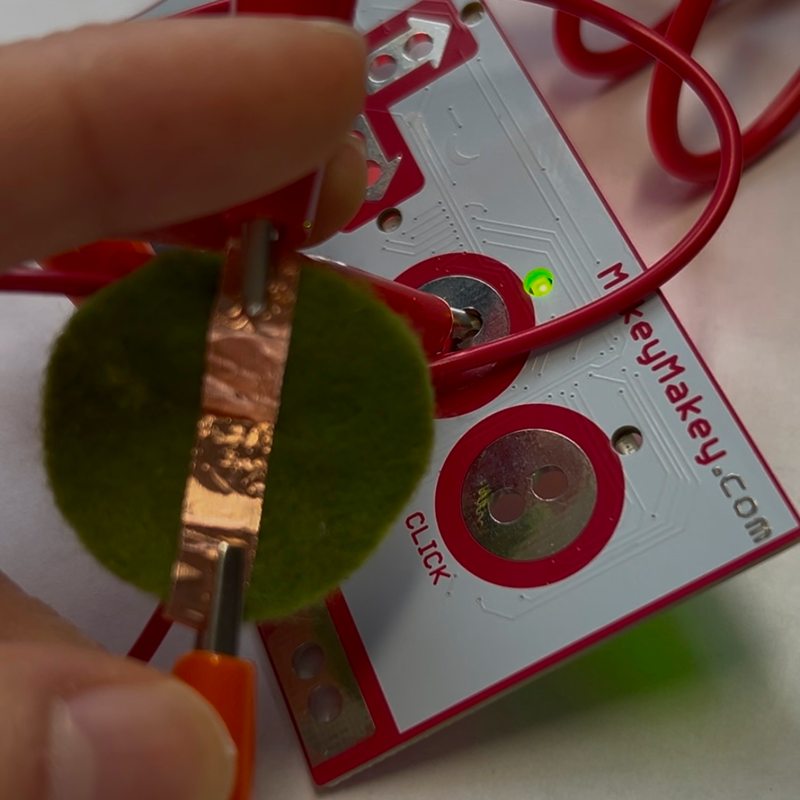
I wanted to see what kinds of kiosks I could do. Seeing the game design arcade machines around campus made me think of making an arcade machine for a game. I could use my iPad so that the screen is larger and could potentially use LEDs to light up the pressed button. I like to crochet and like to feel for textures, which I think can be visually or represented through sound in some way. The interaction could be that when the user touches or squeezes a part of the piece, an associated sound or visual can relate to it. While trying to fall asleep at my sister's apartment in Toronto, I found myself extremely distracted by the street noise in Toronto which I'm not used to living in Oakville. I think it would be interesting to record white noise in different locations and compare them. This is a diagram of how I might approach managing the wiring of the copper tape on the back of the map. Althoguh supposed Chinese or ethic objects look unique, the sounds they make may be undifferenciateable from supposed normal objects. I have not fully fleshed out how to represent this concept, but maybe using the same sounds to represent a Chinese tea cup in comparison with a supposed regular one may be a way to show that these objects depending on who you ask are normal and ordinary. I tried using the white wires to get the MakeyMakey to type letters. After confirming it worked, I was able to connect it to my Touch Designer project. I tested the concept I had into mind to make buttons for the arcade machine and map on scrap paper. I folded the tails of the tape to the back side so that from the front, you can only see the tape. These tabs were quite flimsy and thin since it is just two layers of tape, so if I were to remake this, I might add a layer of paper or plastic in between the layers to make it more durable. For the arcade machine idea, I would clip them directly behind the paper, but for the map design, I would extend the tape so that the clips are all clipped along the edge of the page. Back view of paper. Top view of paper. Upon testing: no surprises, it worked! I used the same prototype and extended the tape to the side of the page. Pressing on the switch is a lot easier this way as the clips are not underneath the page. I wanted to see if I could combine the MakeyMakey with the understanding of LEDs from project 1. The LED is able to complete the switch but a power source is needed for the light to work. I connected the positive and negative ends with more copper tape and added a battery. Putting the battery in a random direction, I found that it made the MakeyMakey think all buttons were pressed. After flipping over the battery, I put the LED on and it worked! I tried to tap the palm of the glove to activate the key press. I clipped to a thread of conductive thread. I used a glove I crocheted for project 1 as a prototype. I wanted to decorate my arcade machine with felt so I wanted to test using the felt scraps I hadfrom project 1. Instead of cutting two slits, I wanted to try one, which ended up connect when it wasn't pressed as assumed. It created an interesting interaction where the sitch is automatically on and the user has to manually stretch the fabric to turn the swtich off.

Project 3


Final Project 3 Design

I rarely sit in silence and simply observe my surroundings. Any free moment, I instinctively reach for my phone. One night at my sister’s apartment in Toronto, I found myself lying in bed, listening to the city’s ambient noise—one of the few times I had no other stimulation. I realized how long it had been since I truly focused on my surroundings. I fill silence with music or podcasts to avoid anxious thoughts, making me aware of my constant need for stimulation.

For this project, I want to encourage users to focus on their senses of touch and sound, taking the time to embrace moments of silence in their lives. Instead of fearing stillness, I want them to recognize that silence is never truly empty and that there is always something to be heard and felt.

Demo

Screen Recording of Touch Designer

×

Powered by w3.css